Try-on
What virtual try-on can and can't tell you
AI virtual try-on is a quick way to check colours and proportions before you get dressed. Here's what it shows well, where it falls short, and how to get better results.
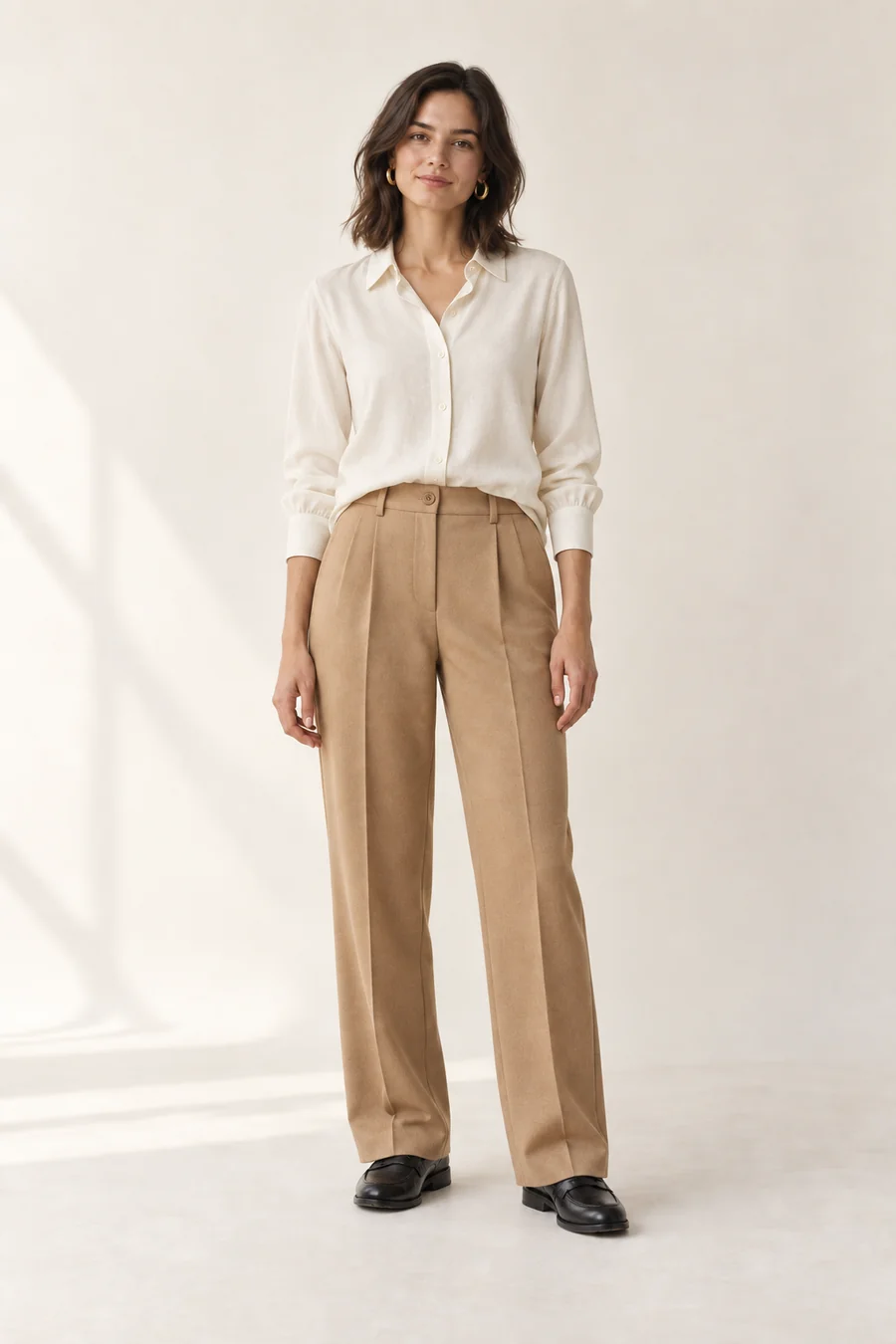
AI virtual try-on generates an image of you wearing a specific outfit, from a photo of you and photos of the clothes. It's very good at showing whether colours and proportions work together on you, and much faster than changing three times. It can't tell you exactly how a garment fits, how a fabric drapes or how it will feel after a day. Treat it as a preview, not a fitting.
How AI try-on works
Modern try-on uses image-generation models. You give it two things: a photo of yourself and the pieces of an outfit. The model produces a new image of you wearing those pieces, keeping your face, body shape, skin tone and pose, and redrawing the clothes on you.
There are two broad kinds:
- Try-on on your own photo. The result is an image of you. This is what Ekru does with the clothes in your wardrobe.
- Avatar try-on. The clothes go on a look-alike model or mannequin. Useful for proportions, but it isn't you.
What it's good at
Colour together, on you
The most common reason an outfit doesn't work is colour: a shade that's lovely on the hanger washes you out, or two neutrals that clash. Try-on shows the whole combination against your own skin tone and hair.
Proportions
Where a jacket ends against a skirt, whether wide trousers need a shorter top, whether a tucked or untucked shirt reads better: try-on is good at the overall silhouette.
Deciding between options
Three versions side by side on a screen is the fastest way to choose. In Ekru, you can take a piece off or swap one for something else from your wardrobe, and swipe between the versions.
Remembering what worked
A saved try-on is a record of a look you liked, with all its pieces, ready for the next time.
Where a mirror still wins
Exact fit
An AI model doesn't know your measurements or the garment's. It will draw trousers that look like they fit, even if the real pair is an inch too long. Use try-on to decide what to wear, not to check whether something fits.
Fabric and drape
Stiff denim and fluid satin behave very differently when you move. A generated image is a single still frame and can't show that.
Details
Small prints, logos, buttons and textures may be simplified or slightly changed in a generated image.
Comfort
Whether shoes pinch or a waistband digs in after lunch is something only wearing it will tell you.
How to get better try-on results
- Use a clear, full-length photo. Stand facing the camera, arms slightly away from your body, in good, even light.
- Wear simple, fitted clothes in the photo. Bulky layers or long coats make it harder for the model to see your shape.
- Use clean photos of the clothes. One piece per photo, laid flat or on a hanger. Ekru cuts each piece out automatically, which helps.
- Change one thing at a time. When editing, swap or remove one piece per version so you can see exactly what made the difference.
Is it private?
It should be. Before using any try-on app, check where your photo is stored, who can see it, and how to delete it. In Ekru, your photo and try-ons are kept in private storage, uploaded photos have their location metadata removed, and deleting your account deletes them. The privacy policy names the AI provider that generates the images.
Frequently asked questions
Is virtual try-on accurate?
It's accurate enough to judge colours, proportions and the overall look. It isn't accurate enough to judge exact fit or fabric behaviour, because the model doesn't know the real measurements.
Can I use virtual try-on with clothes I already own?
Yes, with an app built for your own wardrobe. Ekru's virtual try-on uses the pieces you've photographed and a photo of you.
Does virtual try-on work for men?
Yes. The technology works the same way for menswear and womenswear.